Orchestrate coding agents
from your desk and your phone
Run any coding agent from your phone, desktop, or terminal. Self-hosted, multi-provider, open source.
All download options- CClaude Code
- XCodex
- OOpenCode
- GCopilot
- ✦Gemini
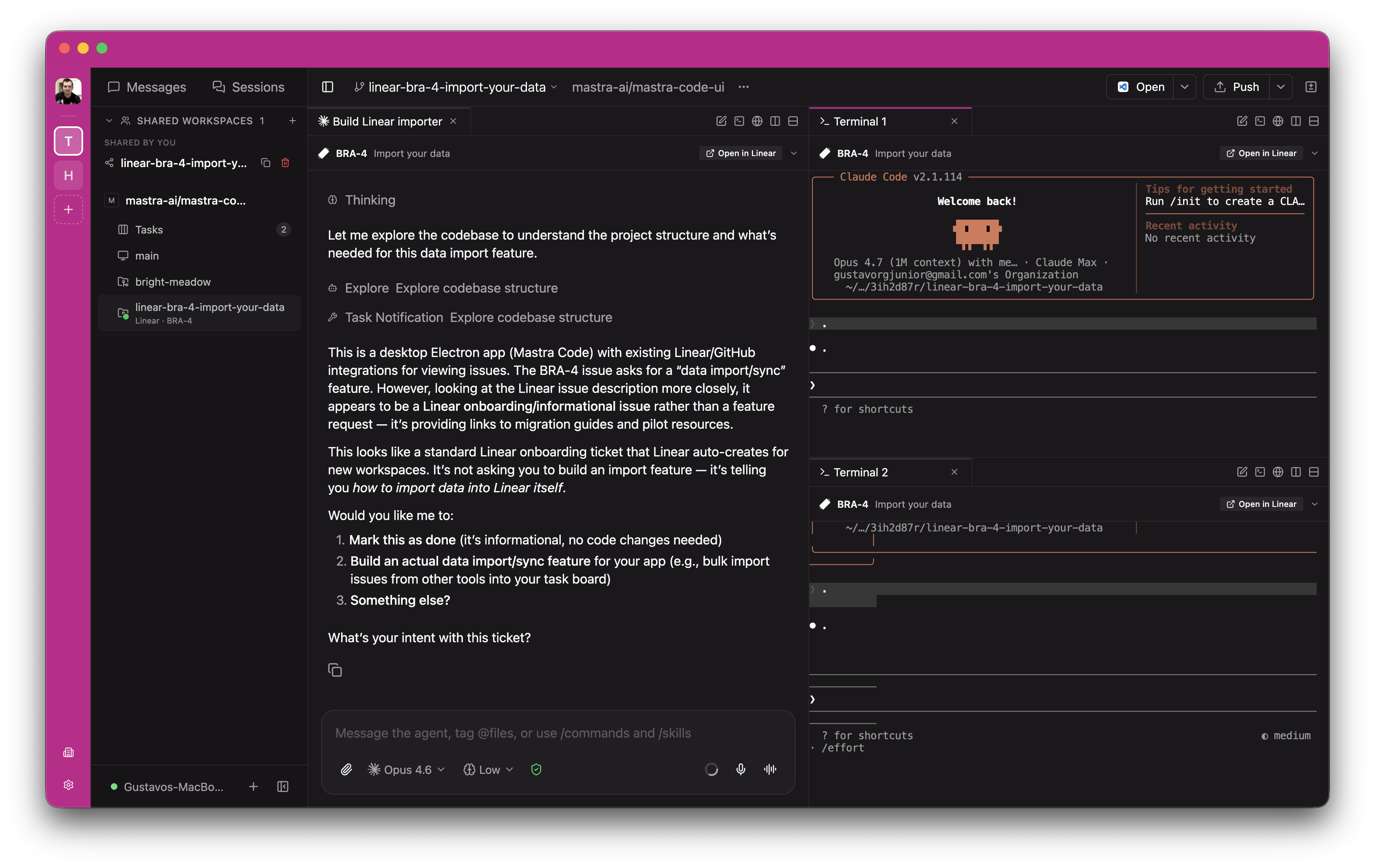
When you want to step away from your desk,
you can.
The native mobile app has full feature parity with desktop.
- acme/returns-appOpenfeat/dashboard+247 −15
- acme/paymentsMergedfix/stripe-webhook+38 −4
- acme/infraOpenfeat/k8s-autoscale+91 −3
- acme/design-systemmain
Use the best agent for the job
Run multiple providers from a single interface. HubCode runs the native agent harness as you'd normally run it, with your skills, config and MCP servers intact.
Your agents, every surface
Run agents on your laptop, a VM, or a dev server. Control them from any device with a direct connection or an E2E encrypted relay.
Forget about ports
When agents work in parallel, they all run dev servers. HubCode gives each one a URL based on the branch name, no port conflicts, no guessing.
- fix-authnpm run devweb.fix-auth.my-app.localhost
- add-searchnpm run devweb.add-search.my-app.localhost
- upgrade-depsnpm run devweb.upgrade-deps.my-app.localhost
Keyboard-first
Every action has a shortcut. Panels, splits, agents — all from the keyboard.
Local voice
Fully local voice stack. Speech-to-text and text-to-speech run entirely on your machine, nothing leaves your network.
Refactor the auth middleware to use the new session store, then run the test suite
I'll update the auth middleware to use SessionStore instead of the legacy cookie-based approach. Let me refactor the middleware and update the tests.
Fully scriptable
Everything you can do in the app, you can do from the terminal.
hubcode run "implement user authentication"hubcode run --provider codex --worktree feature-x "implement feature X"hubcode run --host devbox:6767 "run the full test suite" hubcode ls # list running agentshubcode attach abc123 # stream live outputhubcode send abc123 "also add tests" # follow-up taskFAQ
- Yes. HubCode is free and open source. You need Claude Code, Codex, or OpenCode installed with your own credentials. Voice is local-first by default and can optionally use OpenAI speech providers if you configure them.
- HubCode doesn't send your code anywhere. Agents run locally and talk to their own APIs as they normally would. For remote access, you can use the optional end-to-end encrypted relay, connect directly over your local network, or use your own tunnel.
- Claude Code, Codex, OpenCode, Copilot, and Gemini. Each agent runs as its own process using its own CLI. HubCode doesn't modify or wrap their behavior.
- No. You can run the daemon headless with
npm install -g @hubcode/cli && hubcodeand use the CLI, web app, or mobile app to connect. The desktop app just bundles the daemon with a UI. - Voice runs locally on your device by default. You talk, the app transcribes and sends it to your agent as text. Optionally, you can configure OpenAI speech providers for higher-quality transcription and text-to-speech. See the voice docs.
- Yes. You can use the hosted relay (end-to-end encrypted, HubCode can't read your traffic), set up your own tunnel (Tailscale, Cloudflare Tunnel, etc.), or expose the daemon port directly. See configuration.
- No. HubCode works in any directory. Worktrees are optional and only relevant if you use git. You can run agents anywhere you'd normally work.
- We can't make promises on behalf of providers. That said, HubCode launches the official first-party CLIs (Claude Code, Codex, OpenCode) as subprocesses. It doesn't extract tokens or call inference APIs directly. From the provider's perspective, usage through HubCode is indistinguishable from running the CLI yourself.
- When you launch an agent with the worktree option (from the app, desktop, or CLI), HubCode creates a git worktree and runs the agent inside it. The agent works on an isolated branch without touching your main working directory. See the worktrees docs.
I built HubCode because I wanted better tools for coding agents on my own setup. It's an independent open source project, built around freedom of choice and real workflows. If you like what I'm building, consider becoming a supporter.
— The HubCode team
Sponsor on GitHub